

Pullwatch
Free and open source. macOS 26.6 or later, Apple silicon and Intel. In English, Dutch, German and French.
Pull requests
Every pull request, the moment it opens
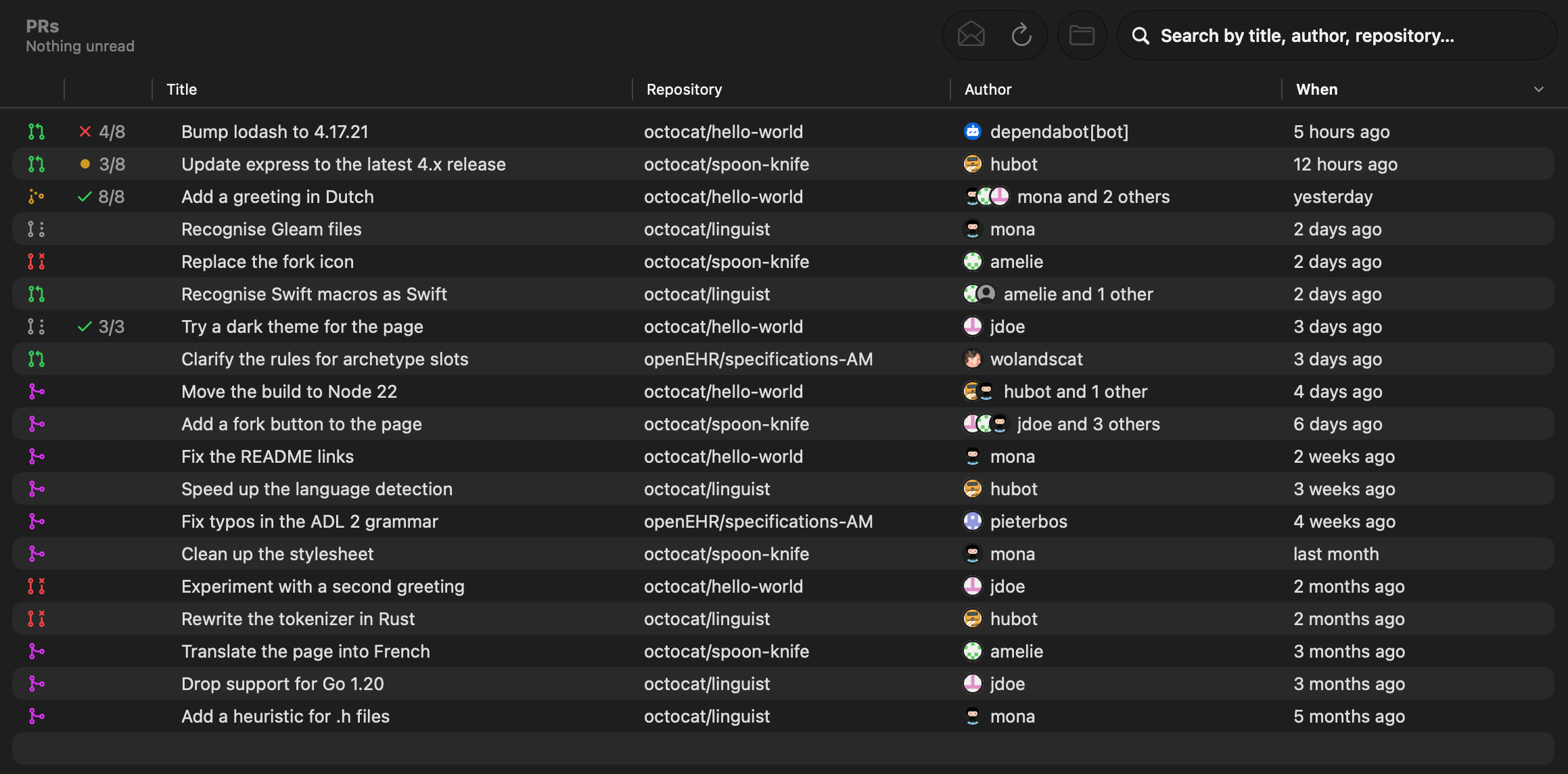
Pullwatch follows your accounts on github.com, GitHub Enterprise, Azure DevOps and GitLab, and tells you about new pull requests and merge requests as they come in. Each one shows its state and its checks the way GitHub does: passed out of all, a red cross when one failed, amber while they run.
Everything lands in a history you can search by title, author and repository, together with new tags and releases.
Pull requests and tags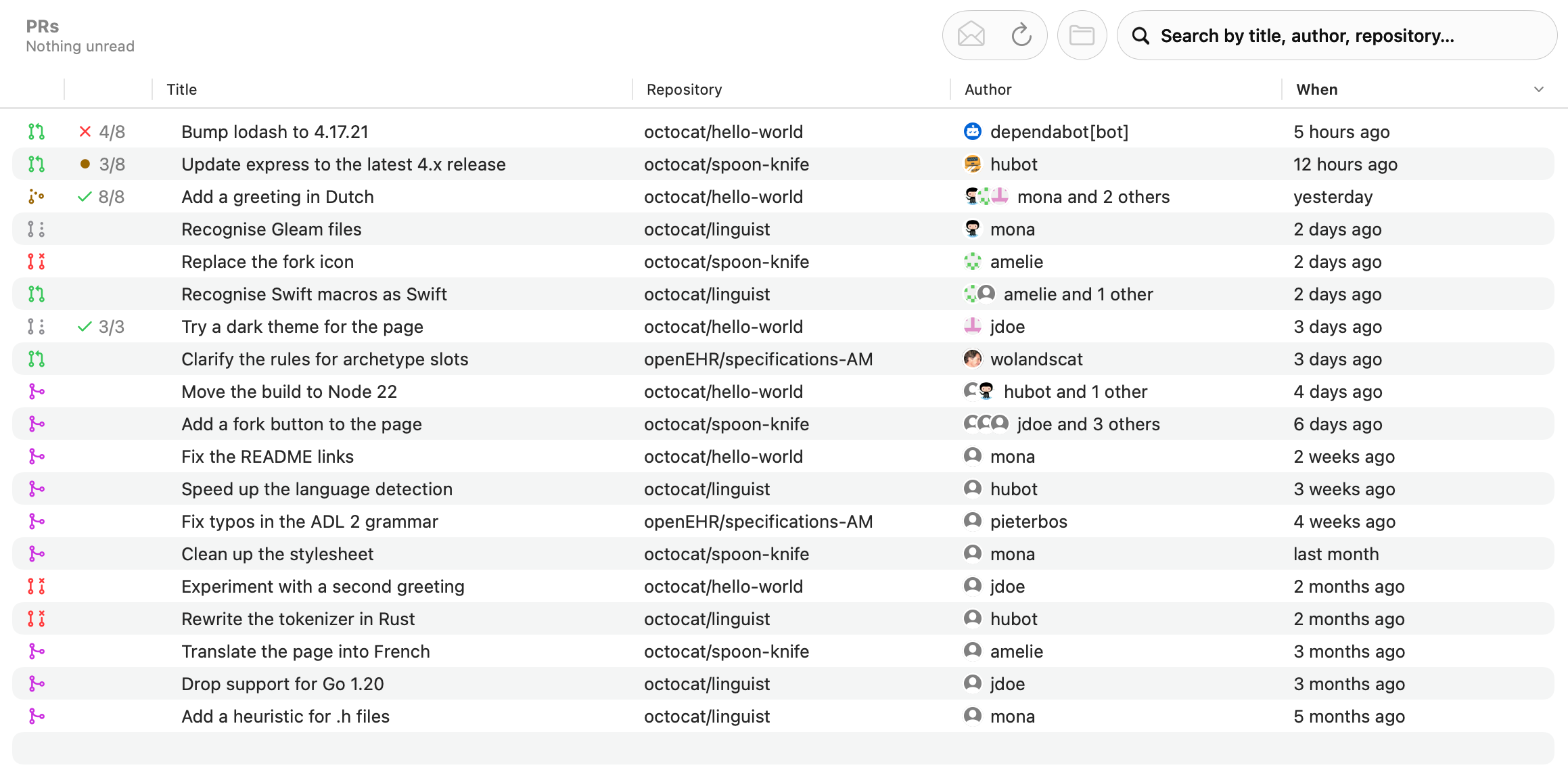
Menu bar
One click from anywhere
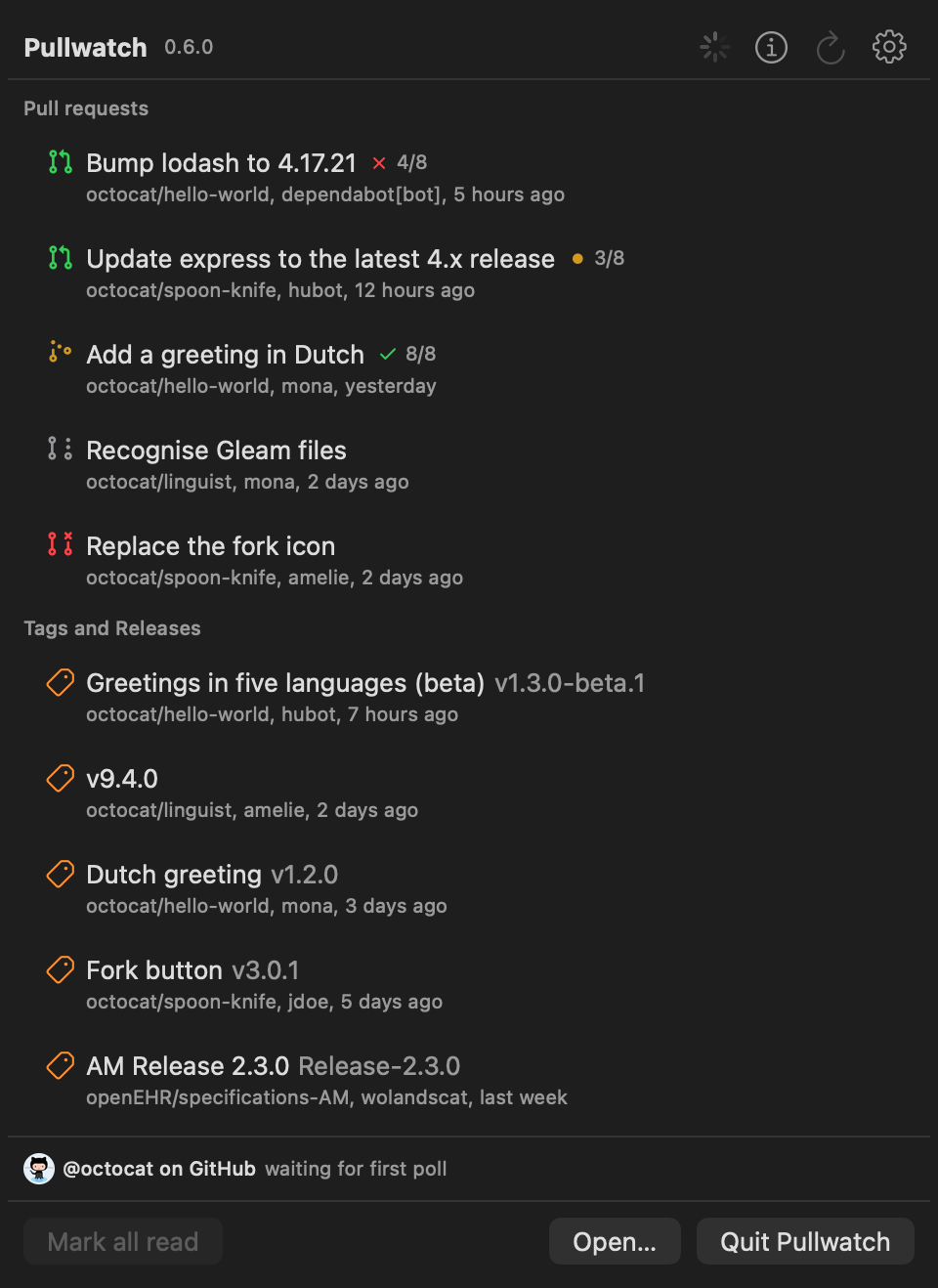
The menu panel shows the newest pull requests and tags with their checks. Click one to open it in the browser, refresh, or open the main window. A dot on the menu bar icon tells you something is unread.
The menu panel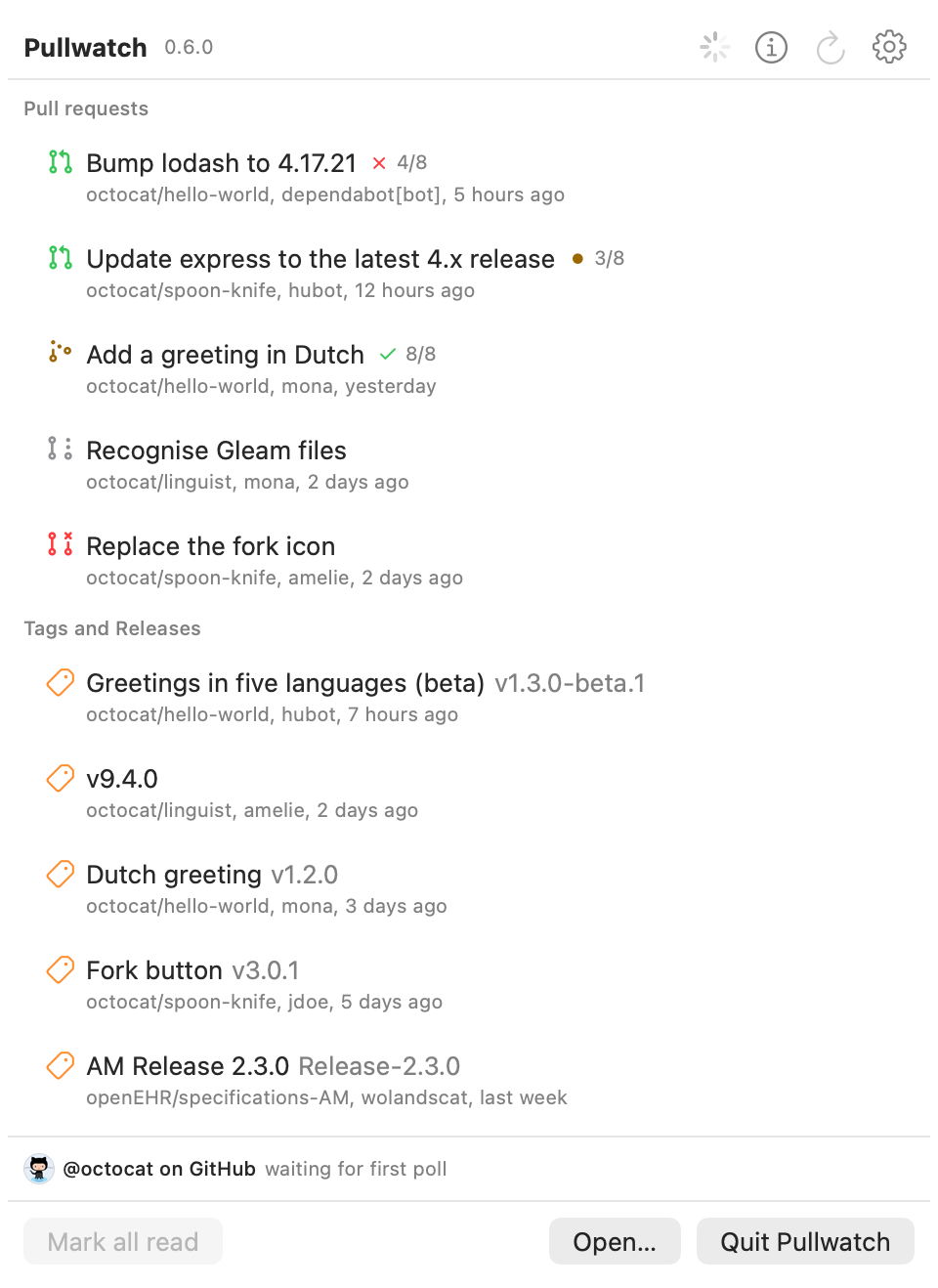
Repositories
Where each repository stands
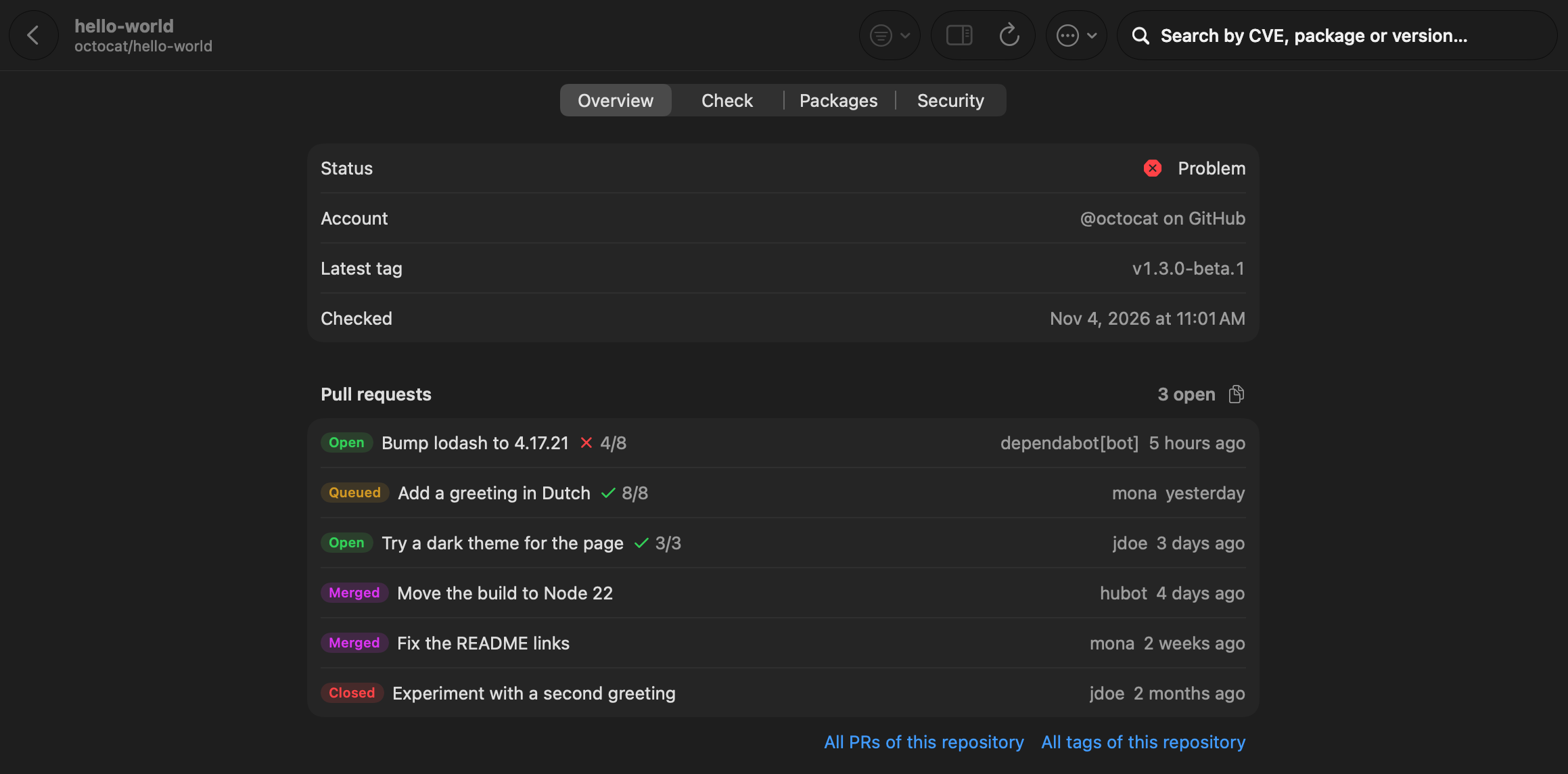
Every followed repository gets a page with its open and recent pull requests, the latest tag and the result of its check, worst first in the list. Follow single repositories outside your organizations too, such as a public project you depend on.
Repositories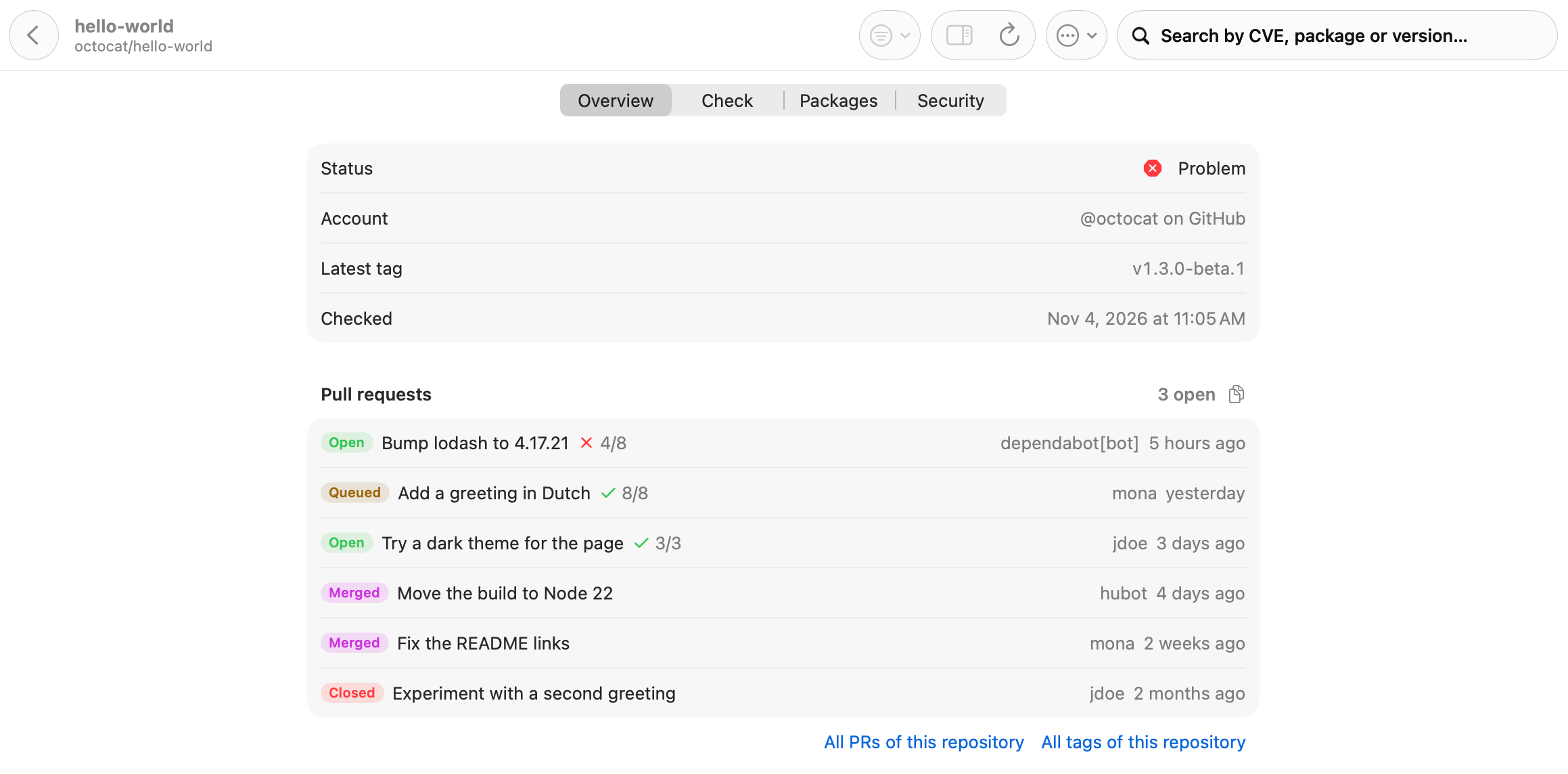
Dependencies
See what holds an update back
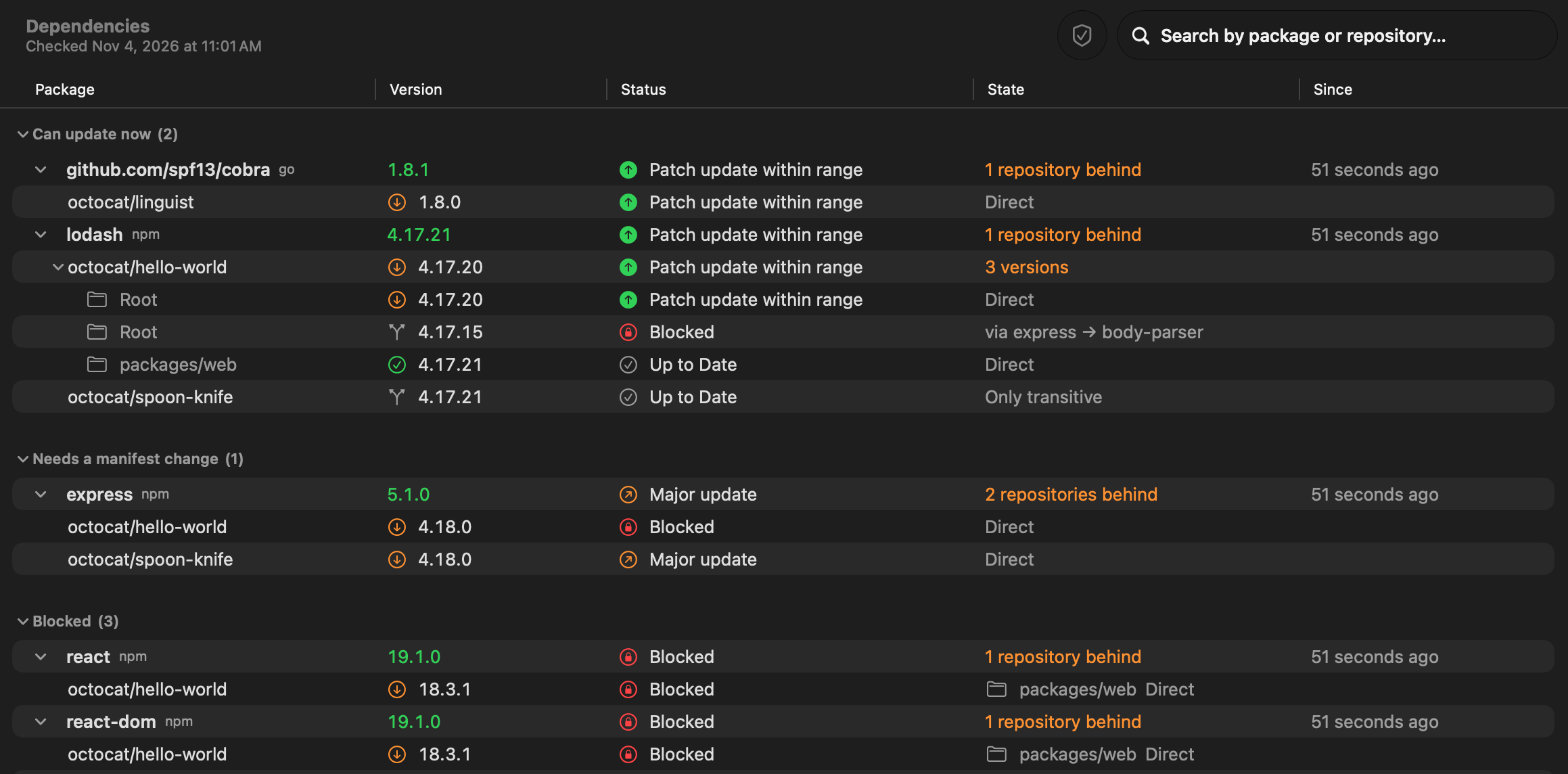
Once a day Pullwatch reads the manifests and lockfiles of your repositories and compares them with the package registries and endoflife.date. It shows which repositories are behind, whether an update fits the current range, and which package blocks it.
Dependencies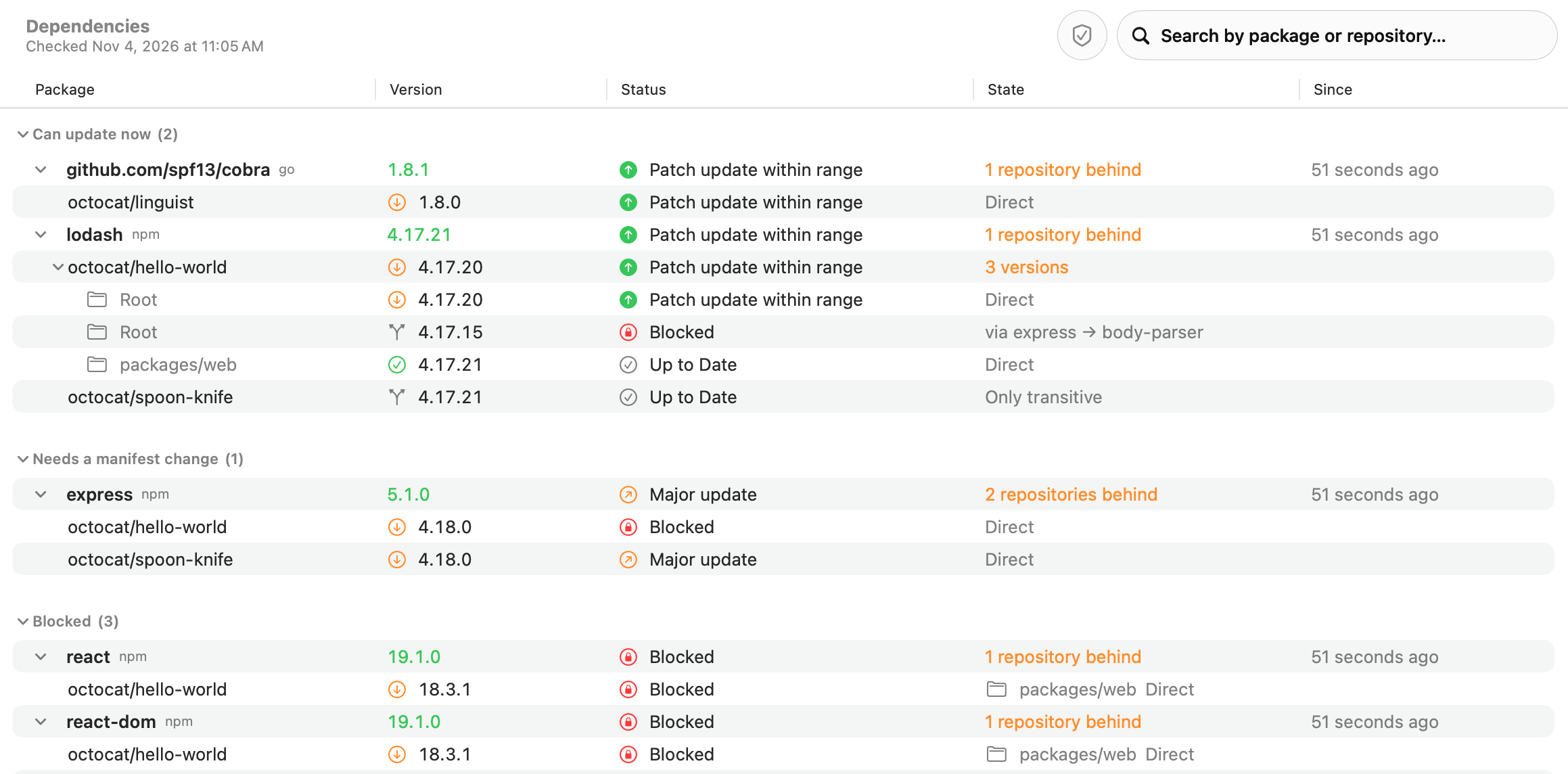
Security
Vulnerabilities, with where they come from
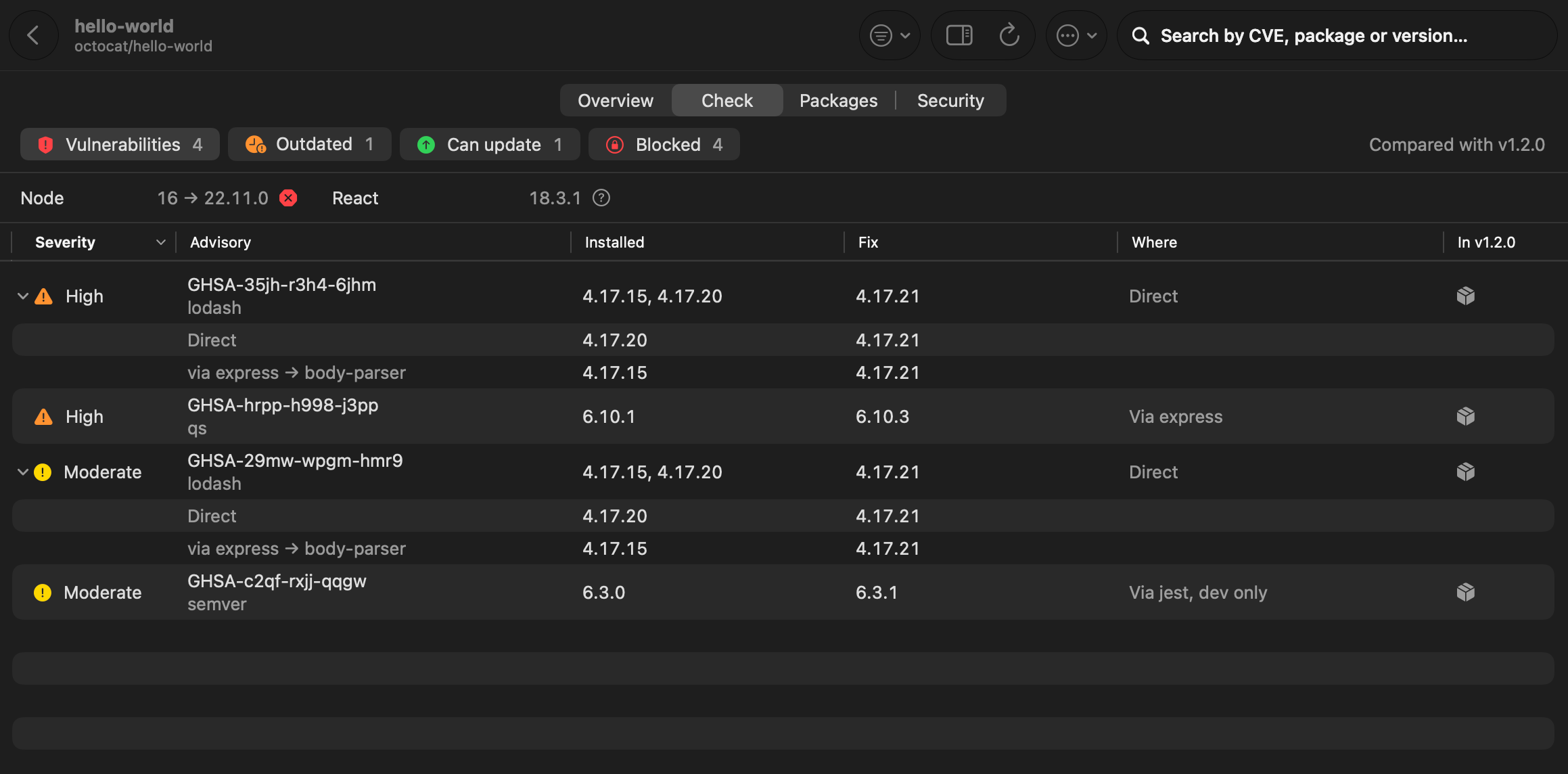
Known vulnerabilities come from OSV.dev, with the details of the GitHub Advisory Database: severity, CVSS, CWE and the fixed version. Pullwatch shows whether a package is direct or came in through another one, and adds the repository’s own code scanning, secret scanning and Advanced Security alerts.
Security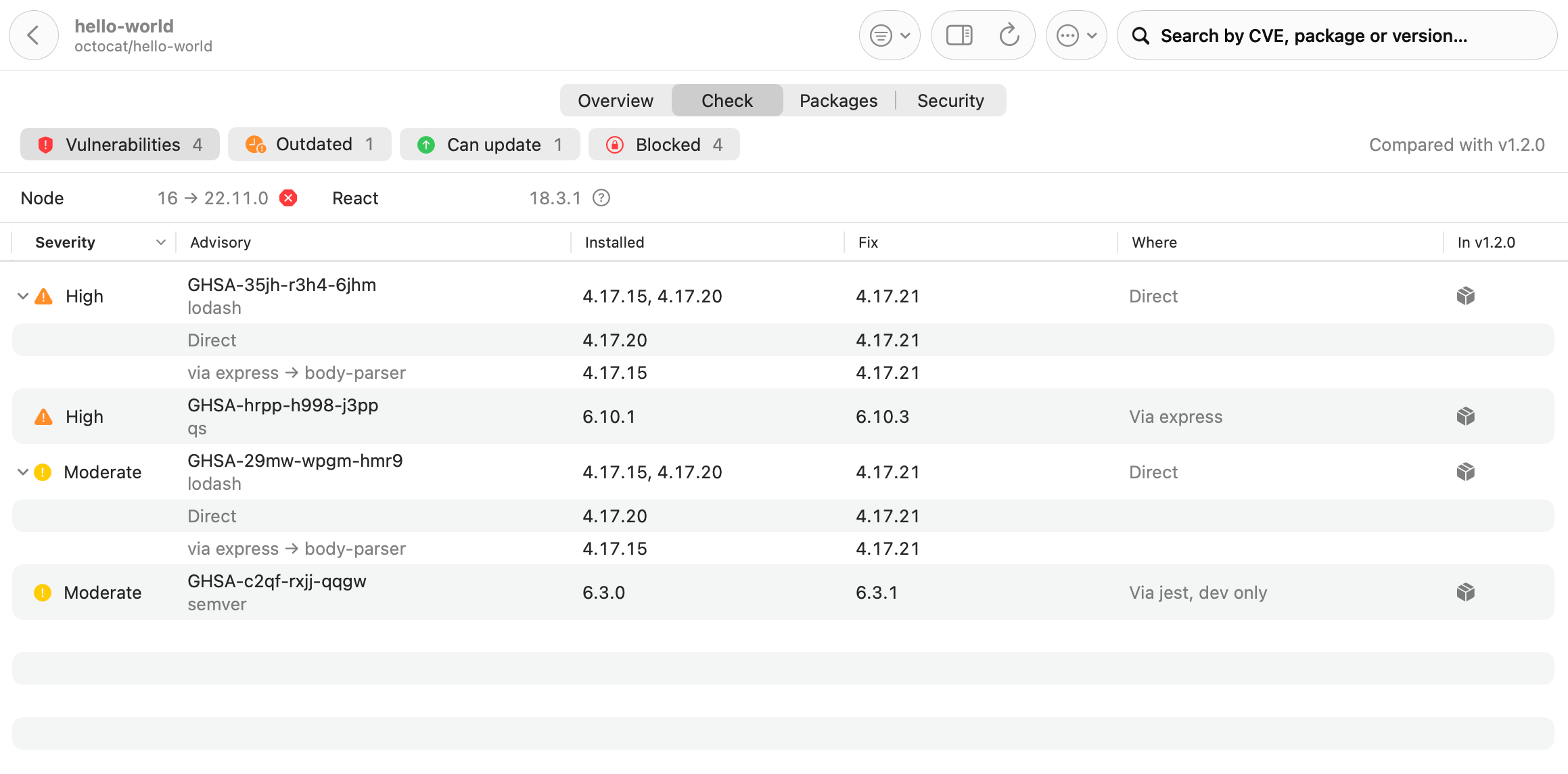
Notifications
Notifications that say what happened
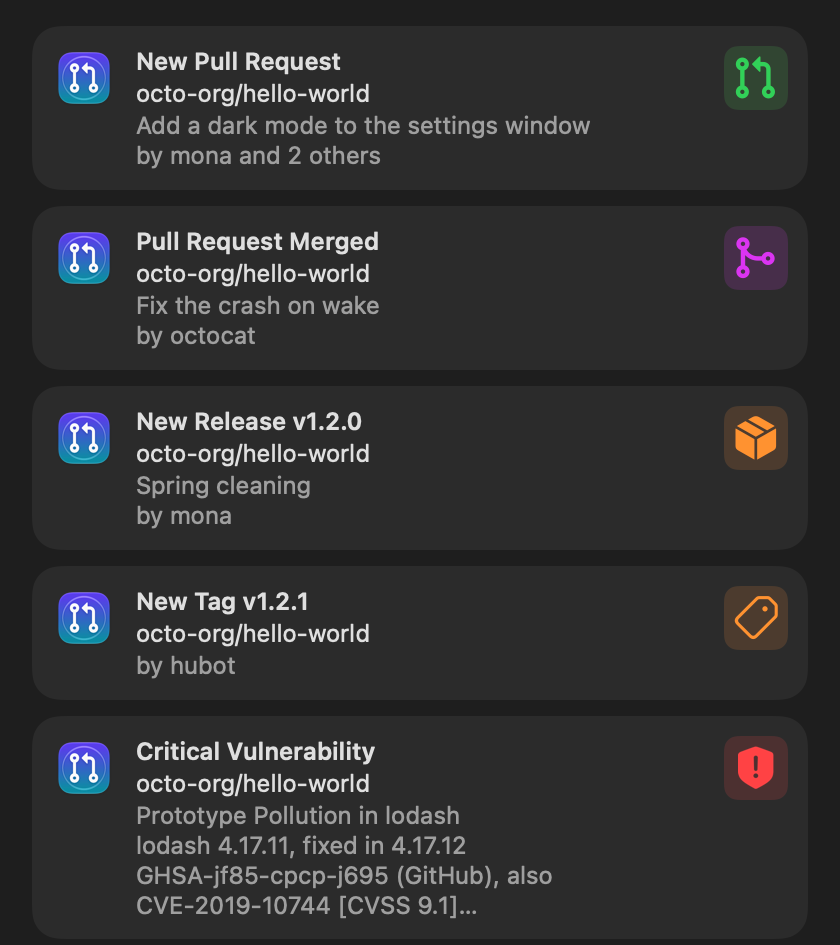
The title says what happened, the subtitle where, and the body who. Turn each kind on or off, mute one repository from the notification itself, and set quiet hours.
Notifications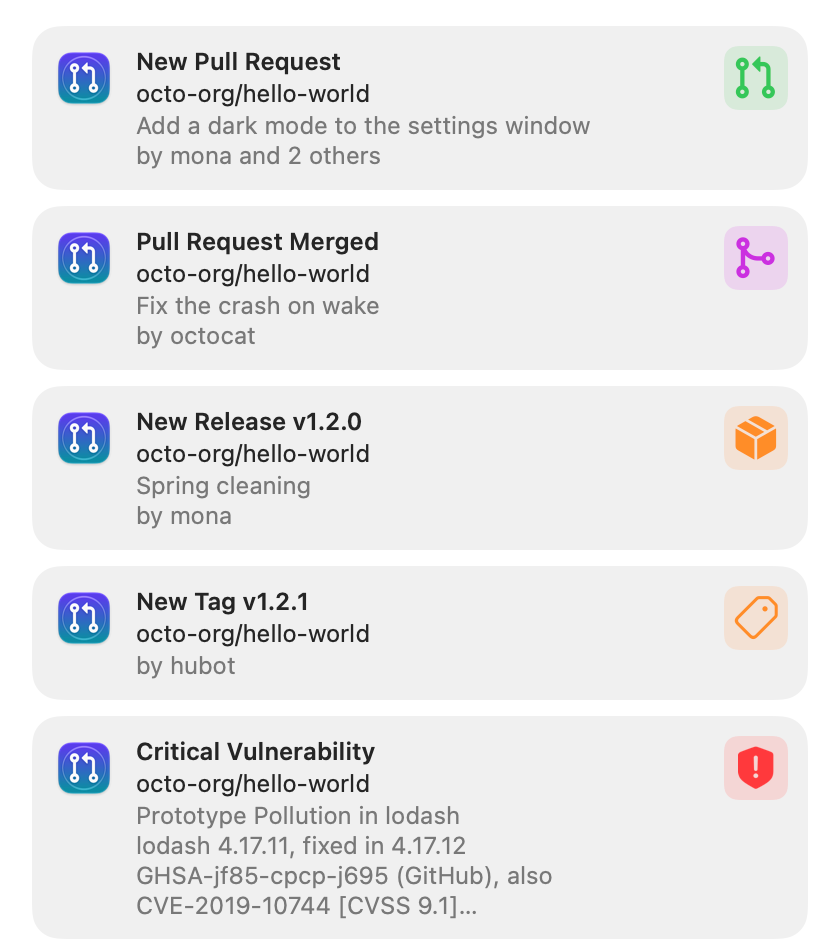
Statistics
How your team ships
Opened and merged pull requests per week, month or year, the median time to merge, the most active authors and the busiest repositories, from the history Pullwatch already keeps.
Statistics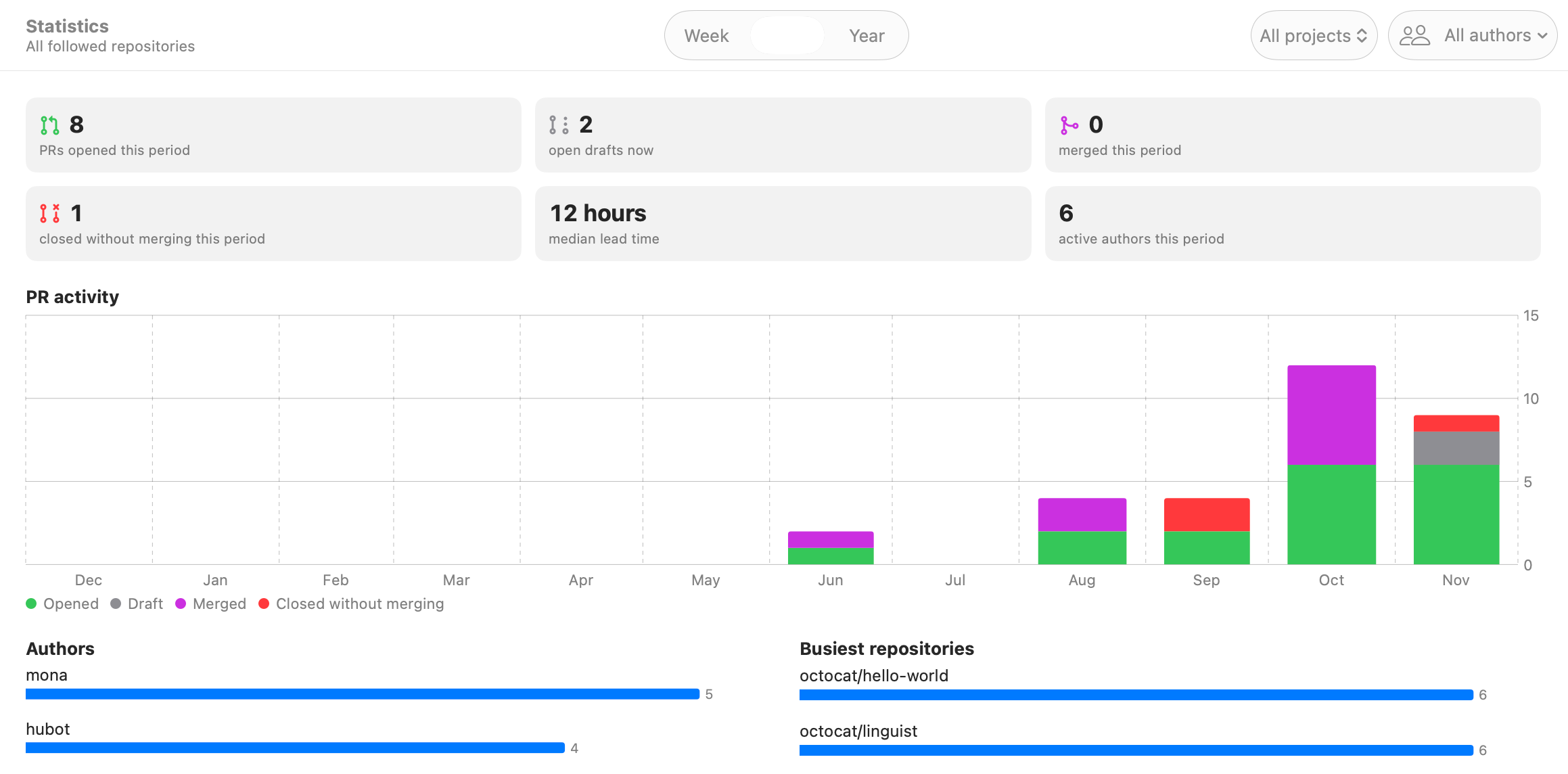
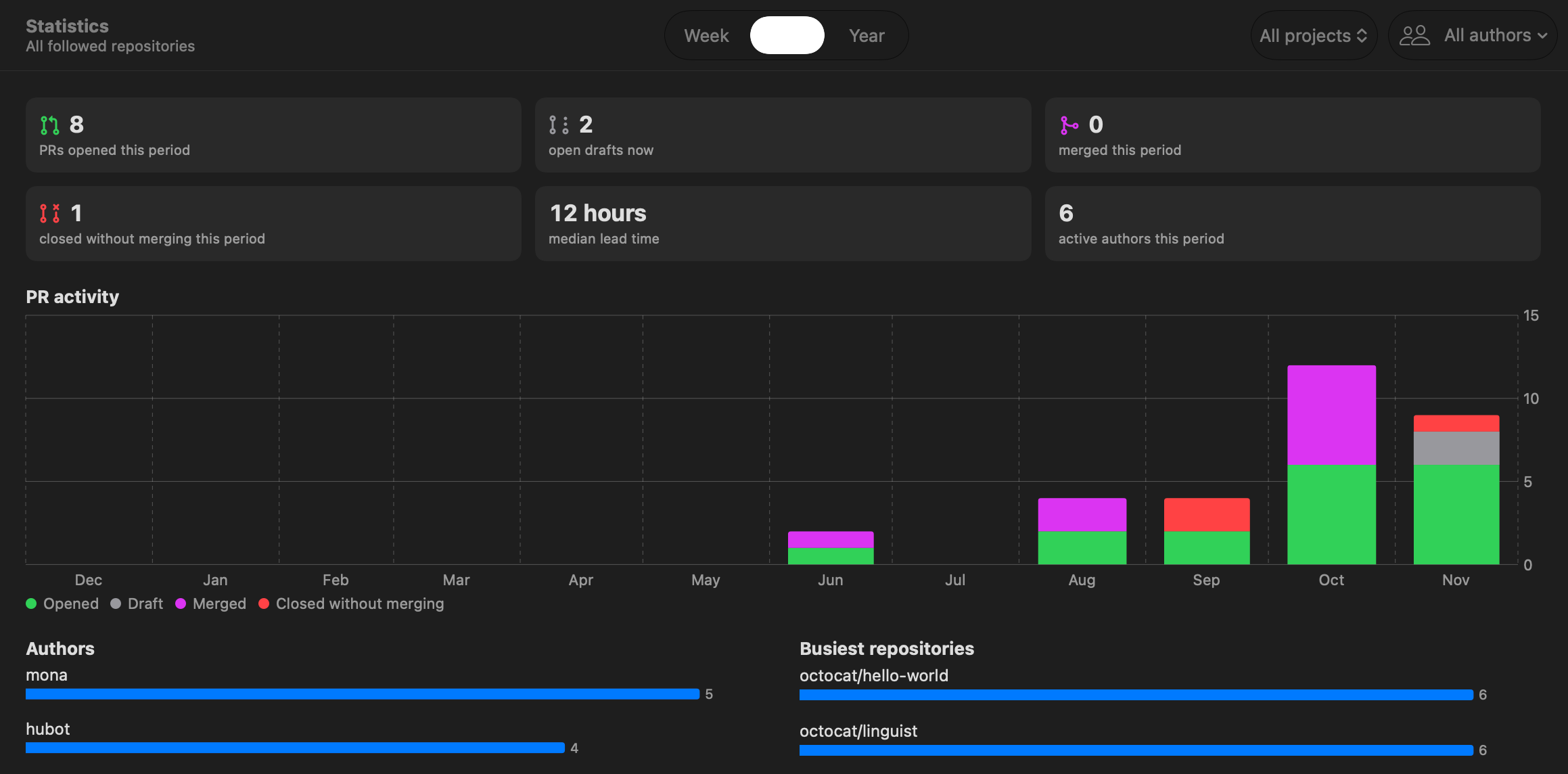
Privacy
Your code stays between you and your servers
Tokens stay in your Keychain
Personal access tokens and the GitHub sign-in live in the macOS Keychain. Settings and history are plain files in your Library folder.
No server in between
Pullwatch talks straight to your GitHub, Azure DevOps and GitLab servers. It has no account, no server of its own and no analytics.
Every connection listed
Settings, Sources shows each outside service with the address it calls. Switch off any data source and Pullwatch says what it could not check.
Get Pullwatch
Free and open source under the Apache 2.0 license. For macOS 26.6 or later, on Apple silicon and Intel. Signed with a Developer ID and notarized by Apple.